
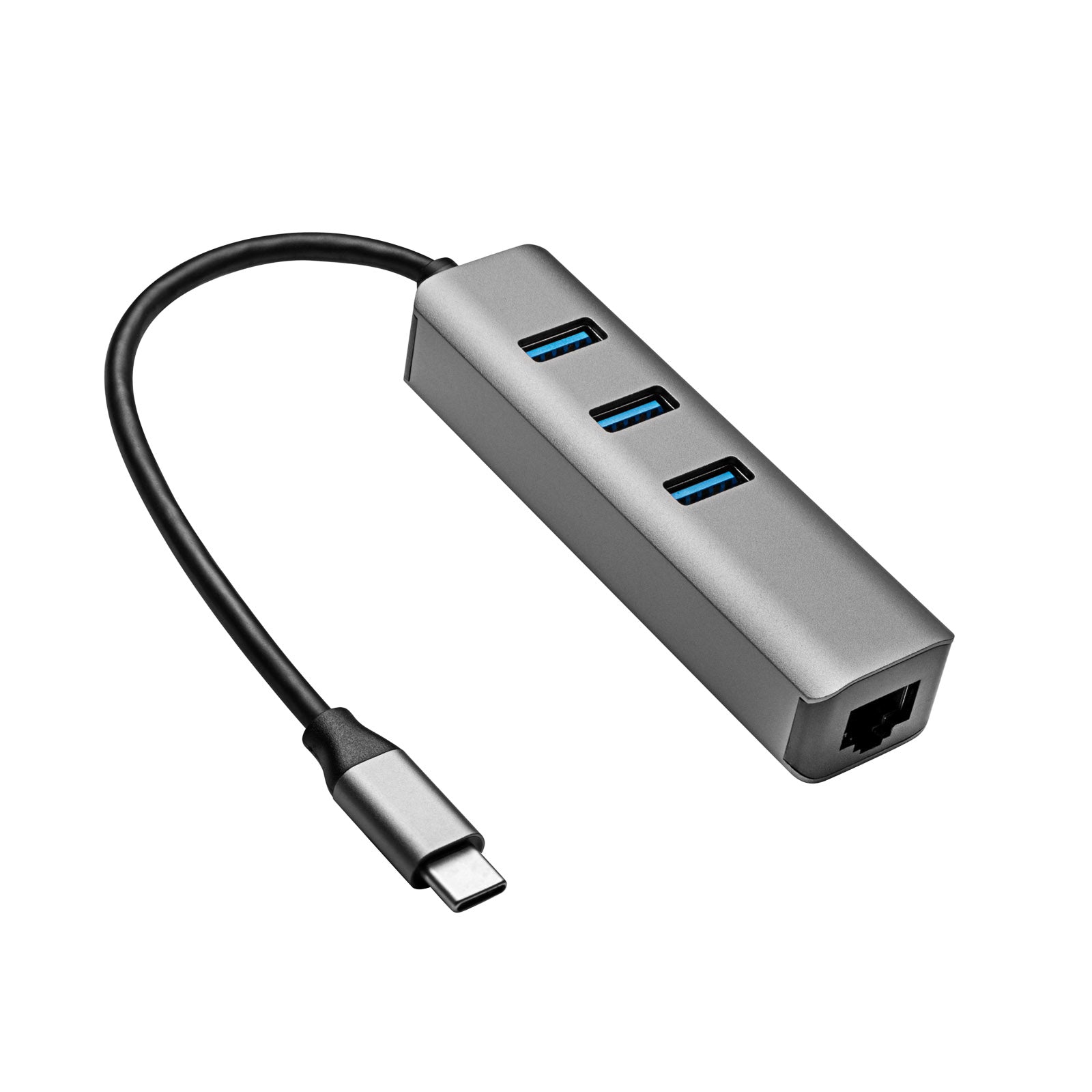
Hub AK-AD-66 USB Type-C - USB 3.0 3-Port + Ethernet
- ✓ 24-month warranty
- ✓ Fast delivery nationwide
- ✓ 14-day right of withdrawal
Notify me (stock or price drop)
Specifications
| Product code | AK-AD-66 |
| Product type | Hub USB |
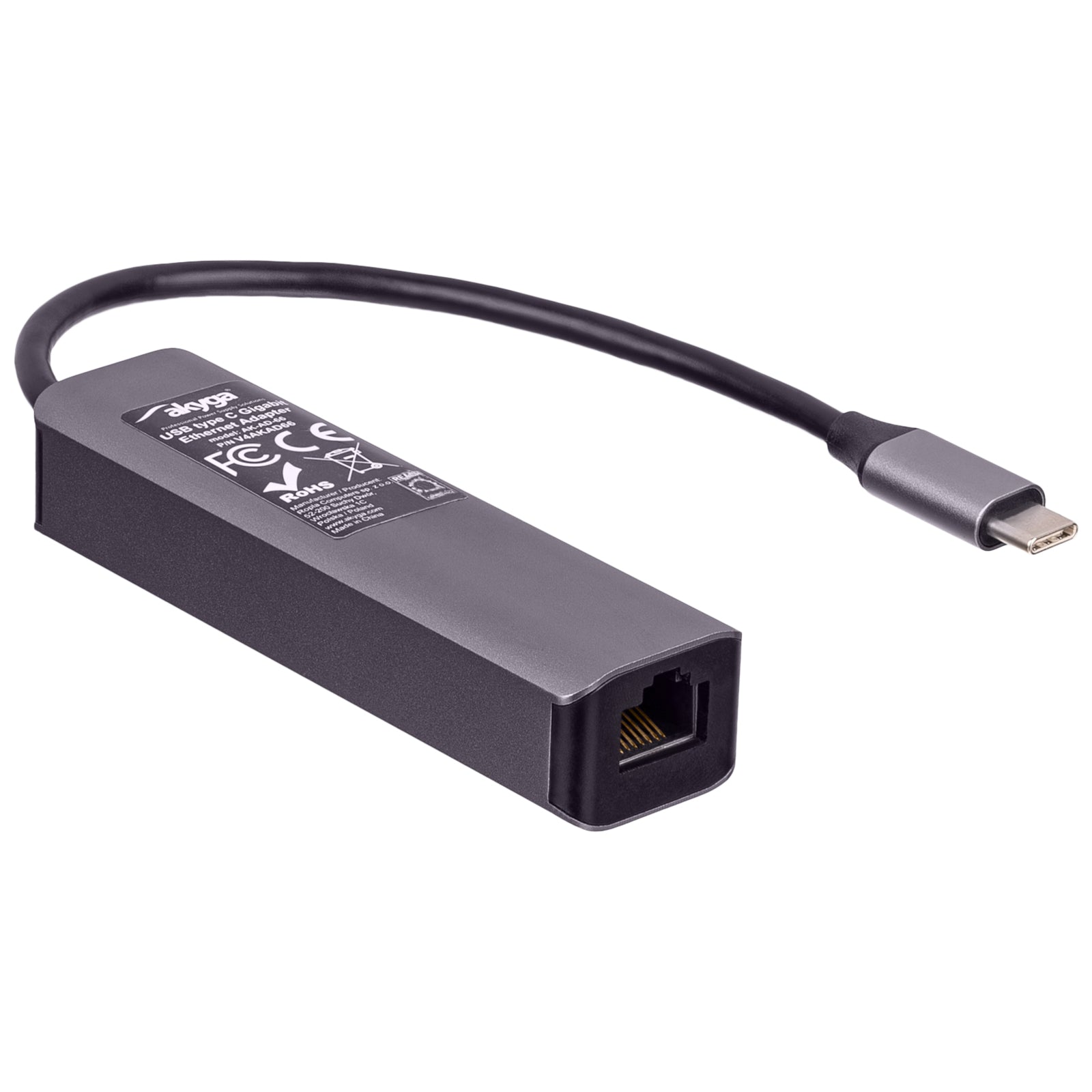
| Responsible organisation | Akyga Europe Sp. z o.o., 52-200 Suchy Dwór, Wrocławska 1c, Polska/Poland, contact@akyga.com |
| Cable length | 15 cm |
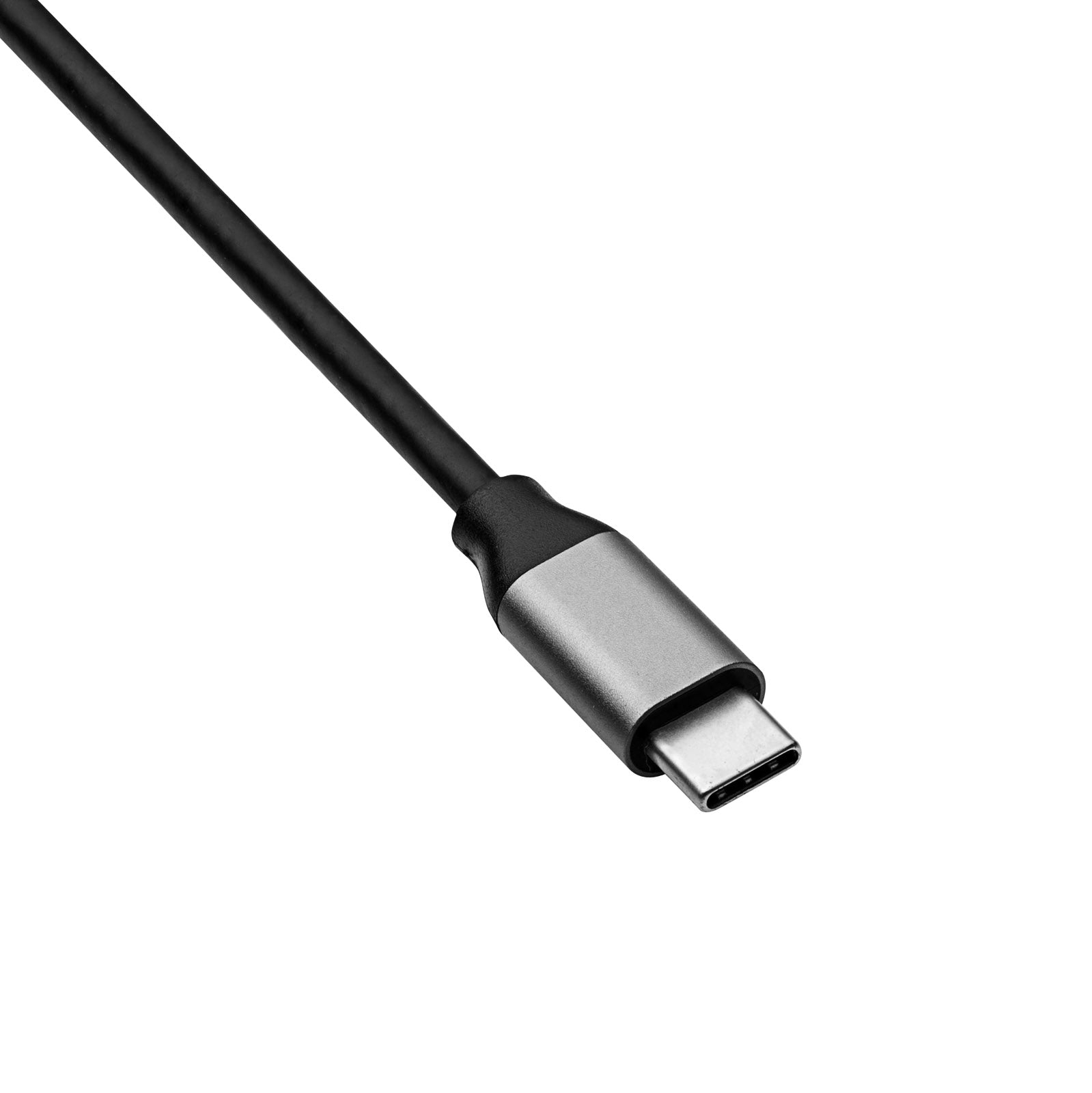
| Cable connector #1 | USB type C plug |
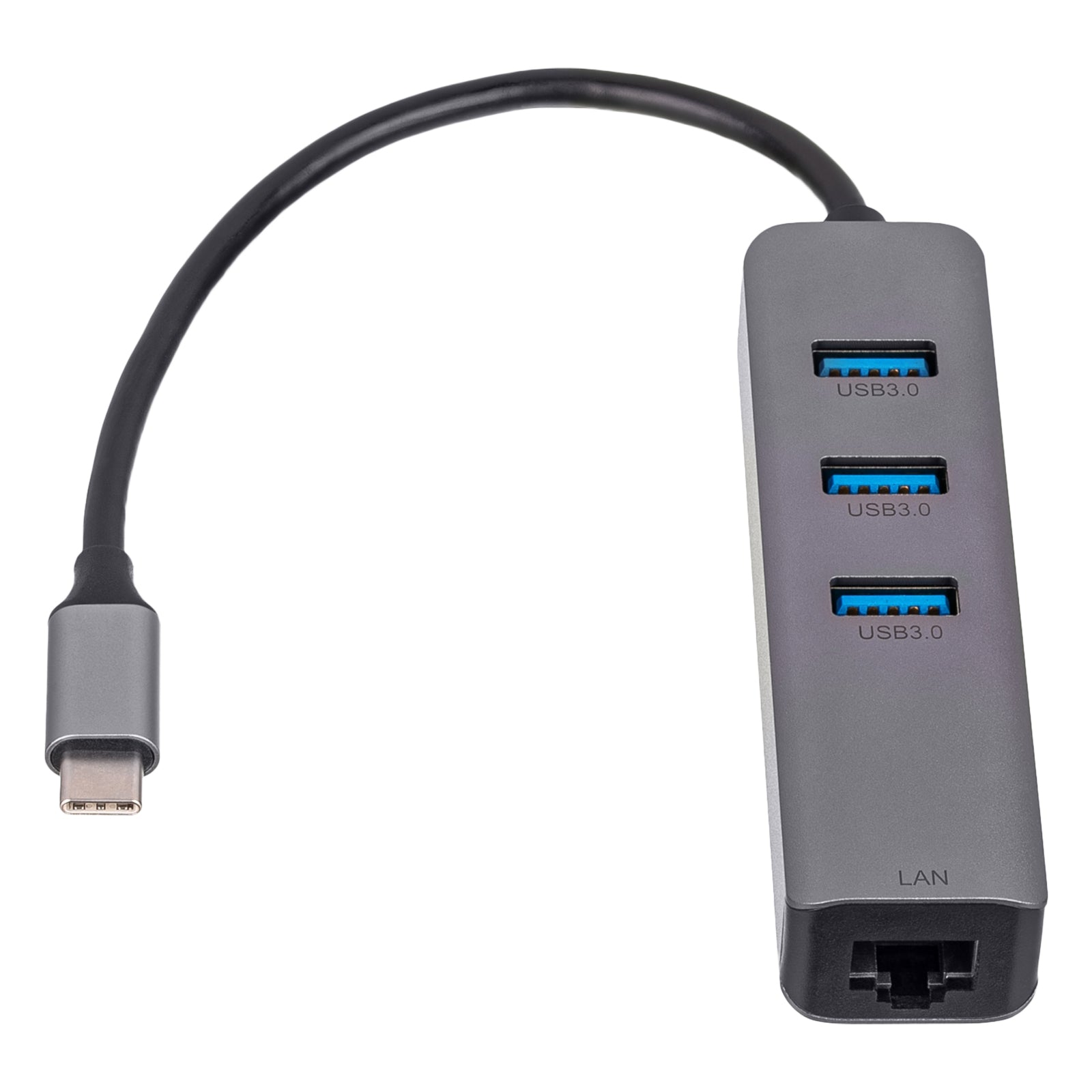
| Cable connector #2 | 3 x USB type A female + RJ45 |
| Version | 3.1 |
| Gold-plated plugs | Yes - nickel |
| Material | ABS |
| Product colour | Black |
| MTBF | 100000 h |
| Temperature | 5 - 50 °C |
| Packaging | UniBag |
| Product size (L x W x H) | 90 x 25 x 20 mm |
| Package size (L x W x H) | 180 x 125 x 21 mm |
| Net weight | 45 g |
| Gross weight | 49 g |
| CE compliance | Yes |
| FCC compliance | Yes |
| EAN code | 5901720136763 |
| Warranty | 24 months |
0 more technical details
Description
Are you annoyed by the limited ports on your tablet? Do you like to play games online, but your new notebook doesn't have an RJ45 socket? Or maybe you want to connect a pen drive to your smartphone? The Akyga® AK-AD-66 adapter is the perfect solution! Just connect it to your device's USB-C port, and you can instantly add three additional USB 3.1 Gen 1 ports. With these, you can not only use basic peripherals such as a mouse or keyboard but also download data from external memory or charge headphones. And all this without installing additional drivers! Furthermore, the included RJ45 Ethernet connector allows you to take advantage of a stable internet connection via cable, not only on your laptop but also on any other mobile device that supports external network cards. This is ideal if you want to reduce latency caused by Wi-Fi connections. It thus provides you with gigabit data transfer at speeds of up to 1000 Mbps. In addition, the HUB is characterized by its small size and stylish aluminum casing. As a result, it looks perfect on your desk, especially next to laptops with metal casings, such as MacBook or Chromebook. At the same time, the 15 cm cable does not restrict you and allows you to route the adapter from the side USB Type-C port to the back of the laptop, behind the screen. This way, you can keep your workspace tidy and clean.