
Build your camera system
Pick how many cameras you need and where, and how many days you want to keep the footage. We work out the price as you go.
How many cameras, and where?
Turret or bullet outdoors, dome indoors. Each shape has its own resolution, so you can mix them freely.


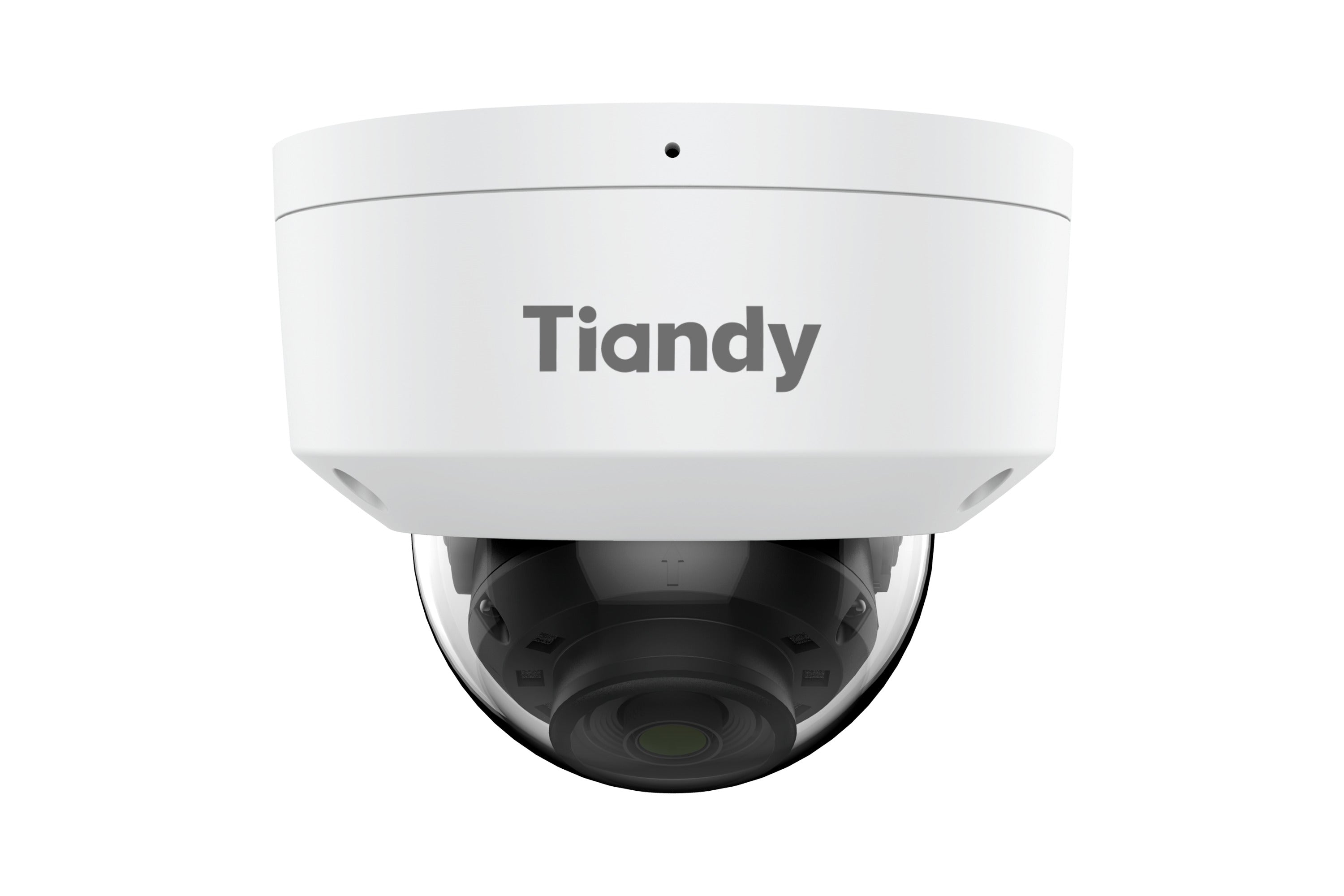
How many spots need a camera? One camera covers one direction. Walk around the house and note where you want to see: the front door, the gate, the yard, the driveway or the back door.
More detail in the recording The 2 MP camera gives you a picture for everyday monitoring, while the 4 MP records more detail of the same area. That pays off when you need to make out a face, a number plate or another small detail in the recording.
Colour picture at night too Color Maker technology helps keep the picture in colour in low light. When the camera detects motion, the white light illuminates the area, so more colour detail can show up in the dark. Infrared illumination is the more discreet option if you would rather not use visible light.
How many days of footage do you want to store?
Set the period you want and we will show which hard drive you need. When the drive is full, the recorder overwrites the oldest footage.
22days of footage
That is how long you want to keep the footage.
No drive5 d11 d22 d33 d45 d The drive for that4 TBWD43PURZ76 990 FtMade to order
Two to three weeks is comfortable for most homes. That way, when you get back from holiday, everything that happened while you were away is still there.
See the footage from anywhere
The system runs on EasyLive Plus, Tiandy’s own app. Install it, pair the recorder with a QR code, and you are set.
- Live view on your phone
- Playback from the recorder
- Alarm notifications
- Several sites in one account
 App Store
 Google PlayScan it with your phone to get the app.
Before you order
Four questions worth thinking through. If something is still open, write to us and we will look at the site details.
How far does it see sharply?
The 2.8 mm lens gives a wide picture, close to 90 degrees, so one camera covers a whole gate or part of a yard. To identify a face you need to be closer: the picture is sharp enough to read a face or a number plate up to about 4 metres on the 2 MP camera, and up to 5.5 metres on the 4 MP. If you need number plates from a road or the far end of a car park, you need a camera with a longer lens: tell us the distance and we will find the right one.
Where should the recorder go?
Somewhere enclosed and dry, with a power socket and internet: a hall cupboard, a storeroom or the utility room.
What do you need for the cabling?
The camera gets power and data from the recorder over the same network cable, so it needs no socket of its own. One run can be at most 100 metres. If you pull the cable through conduit, the connector has to be fitted on site: there are tool-free connectors for that.
Mit szabad felvenni?
You may freely monitor your own property and your own entrance. If the camera also sees public space, a neighbour’s property or the common areas of a block of flats, you need to agree on it first: in a block of flats the owners’ meeting decides, and the retention period of the footage has to be set as well.
How long does the install take?
A four-camera system takes 1-2 hours. You need a drill, a screwdriver and a ladder.
- Choosing the camera spots. Check where the sun shines at different times of day, and keep the camera pointed away from it.
- Drilling the camera up. The bracket goes on the wall with two screws, and the head can still be aimed afterwards.
- Connecting the cable. One network cable per camera: it carries both the power and the data.
- Recorder and app. Cameras into the PoE ports, network into the router, drive into the recorder. Set a password on first start-up, then pair the phone app with a QR code.
This guide is informational and does not replace professional design. The distances are calculated from the field of view and resolution on the manufacturer datasheets; site lighting and camera settings can shift them. The number of days is an estimate for continuous H.265 recording. Recording is subject to the applicable data protection rules.
For installers and resellers
Register, and once you sign in you buy at net reseller prices, on invoice. The same range, at a better price.
- Net reseller prices after sign-in, on invoice
- Price list and daily stock feed for your own web shop
- Our own Budapest warehouse, with Hungarian-speaking support
- We replace faulty units from stock
- What we do not stock, we order in, and keep it in stock from then on
- We quote custom prices for volume, including larger tenders
Apply as a resellerSee the partner page
Installer knowledge base
Type in a Hikvision or Dahua model number and we show you which Tiandy matches it: feature by feature, with the price. Alongside it, the commissioning steps, the default IP addresses and the apps in one place.